 Snap Eighteen
How to Get Wedding Guests to Share Their Photos
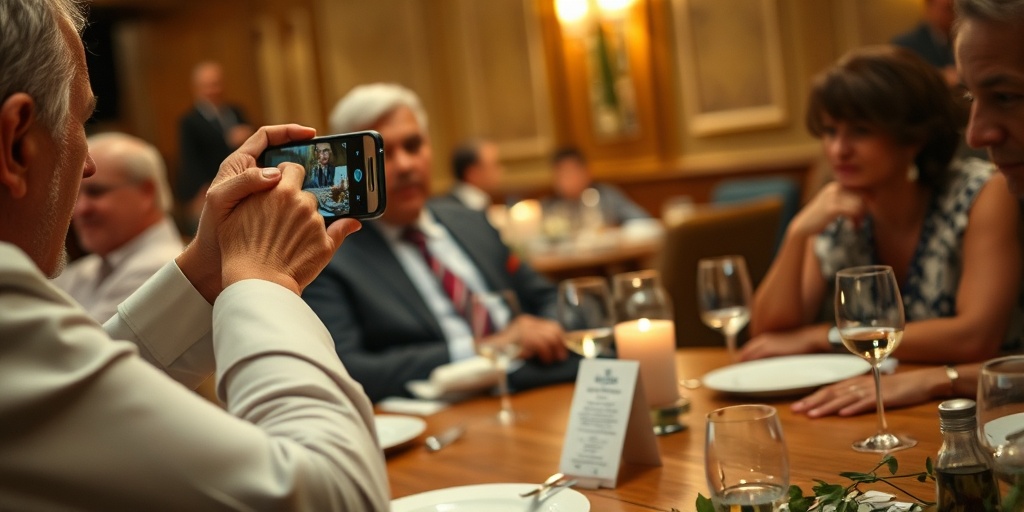
A practical guide to collecting wedding photos from your guests using clear timing, physical placement, and direct links instead of social media hashtags.
The post-wedding collection problem
Guests take hundreds of photos your professional photographer will never see. They capture the candid conversations during cocktail hour, the dance floor mishaps, and the angles from the back row. Yet three weeks after the wedding, couples usually have only a handful of texted images and a few tagged social media stories that have already vanished.
The issue is rarely willingness. Guests genuinely want to share their pictures with you. The breakdown happens because sharing requires effort, and any friction introduced between taking a picture and sending it reduces the volume of photos you receive. If guests have to download a large desktop-oriented cloud app, create a new username, or remember to email full-resolution files the next morning, most will never do it.
Why wedding hashtags no longer work
A decade ago, wedding hashtags were the standard advice for gathering candid guest photos. Today, they rarely work. Most guests keep their social media profiles private, which means any photo posted with your custom hashtag remains invisible to anyone who does not already follow that specific person.
Social media platforms also compress image files heavily. When you download a photo from an Instagram feed or story, the resolution is often stripped down to a fraction of the original file, making it unsuitable for printing or adding to a physical album. Beyond the technical limits, many guests simply do not want to post informal, half-blurry reception moments to their permanent public profiles. They want a private place to drop their camera rolls without curating an audience.
Why direct QR codes win
A printed QR code removes the steps that cause guests to abandon sharing. Modern phone cameras recognize QR codes automatically without a separate scanner app. When a guest points their camera at the code, a web address opens immediately.
This approach cuts out the need to spell a custom hashtag correctly or search for a specific profile handle. The link takes the guest straight to an upload screen. Because the action happens directly through their phone browser, guests can select ten or twenty photos from their gallery and upload them in under thirty seconds while sitting at their dinner table.
Where to place your scan points
A single sign at the venue entrance will be forgotten within twenty minutes. To get steady uploads, place scan points where guests naturally pause with their phones already in hand.
Print small, matte-finish cards with high-contrast codes so phone cameras can read them under dim reception lighting. Avoid glossy paper, which creates glare from venue spotlights and candlelight.
- On dinner tables, tucked behind the menu or beside the table number where guests sit for two hours.
- At the bar, set right next to the drink menu where people stand waiting for cocktails.
- Near the guest book or exit table, catching people who are preparing to leave for the night.
The right moment to ask
Timing matters as much as placement. If you ask guests to upload photos during the ceremony, they will ignore you out of respect. If you ask them two days later, their focus has shifted back to work and travel.
The best window opens right after dinner finishes and the open dancing begins. Have your MC or band leader make a thirty-second announcement right before the dance floor opens. A clear prompt works best: tell guests to pull out their phones right now, point their camera at the table card, and dump whatever they shot during cocktails and dinner. Doing it as a collective, group activity takes less than a minute and captures the bulk of the day before phones run out of battery.
Choosing your collection tool
The destination behind your QR code determines your final yield. Generic cloud storage folders often require a Google or Apple login, which turns off older guests or anyone who has forgotten their password. If an upload screen demands account creation, expect to lose half your submissions immediately.
Using a dedicated shared camera link avoids that wall. Tools like Snap Eighteen allow guests to scan a code and immediately contribute their photos into a single shared album without creating an account or installing software. The upload happens directly in the mobile browser, keeping the original quality intact while keeping the setup lightweight for the person holding the phone.
The morning-after follow-up
Even with clear signage and announcements, some guests will wait until they are back in their hotel rooms or on the train home. Send one final reminder the morning after the wedding.
Send a direct message or group text to family and wedding party chats with the direct link, rather than an image of the QR code, since tapping a link on a mobile screen is easier than scanning. Keep the message short. Thank them for coming, include the direct upload URL, and ask them to clear their camera roll into the album while their memories of the evening are still fresh.
Questions
What resolution should my QR code cards be printed at?
Print your codes at 300 DPI with a minimum size of two inches square. This ensures older smartphone cameras can focus on the pattern without having to lean in uncomfortably close under dim lighting.
How do older guests handle QR codes if they are not tech-savvy?
Most default camera apps on both iOS and Android open links automatically when pointed at a code. You can also print a very short, clean URL directly underneath the code as a simple typed fallback for anyone having trouble scanning.
Should I ask for videos as well as photos?
Yes, but be aware that video files consume significantly more bandwidth and storage space. Make sure your collection tool accepts video formats and test your venue's cellular service in advance so guest uploads do not stall on slow connections.
When is the absolute latest I can expect guest uploads?
About eighty percent of guest photos arrive within forty-eight hours of the reception ending. After two days, the return drops dramatically, so send your final reminder message the morning after the event.
Snap Eighteen is a shared camera for your event. Guests scan a code, everyone’s photos land in one album, and the album closes when the event ends.
See how it works