 Snap Eighteen
How to Set Up a Photo Sharing Station at a Party
Learn how to build clear photo sharing stations with readable QR codes, smart signage placement, and simple instructions for your guests.
Pick Locations Where Guests Naturally Pause
A photo sharing station fails when people walk past it without stopping. Do not put your only sign by the main entrance. Guests arrive thinking about finding coats, drinks, or friends, not opening a camera app. Place stations where people stand idle for at least thirty seconds.
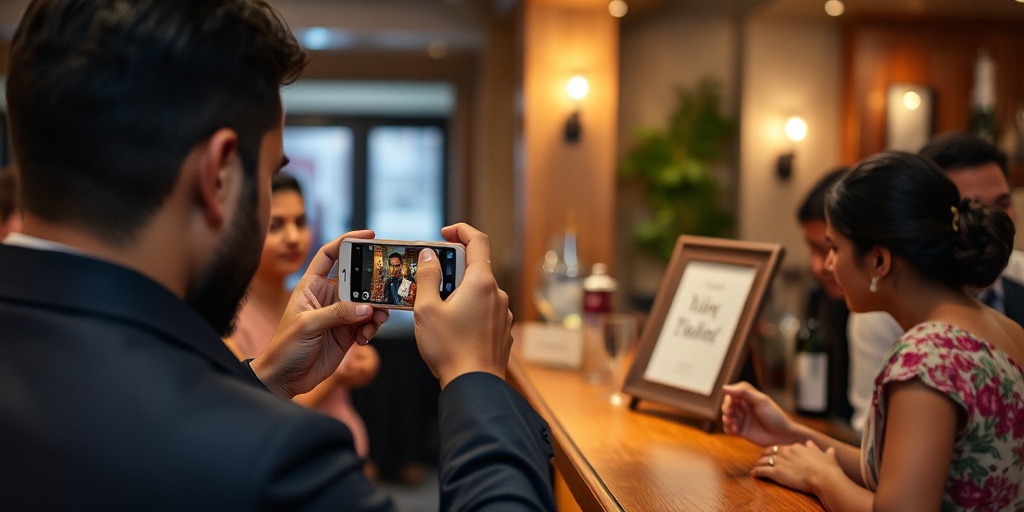
The best spot in any venue is the bar or drink station. People wait in line, glance around, and have their hands free while a drink is poured. Secondary spots include the dessert or cake table, high-top cocktail tables, and the edge of the guest book table. Avoid low coffee tables where drinks and plates will cover the sign.
Size Your QR Code for Distance and Low Light
A smartphone camera scans a QR code best when the code fills roughly one sixth of the camera viewfinder. In dim party lighting, small or faint codes fail entirely because the phone sensor struggles to resolve individual pixels.
Print your QR code at least two inches wide by two inches tall for tabletop signs that guests will view from eighteen inches away. If a sign sits behind a bar counter where guests stand three feet back, increase the code size to four inches square.
Always leave a white border around the square pattern. This is called the quiet zone. It must be at least four modules wide, or about a quarter of an inch of solid white paper on every side. Without this margin, camera software often fails to detect the code boundaries.
Signage Design That Works in a Dark Room
Venue lighting drops as the night goes on. High-contrast designs stay legible when cursive gold foil becomes invisible. Use stark black ink on crisp white paper. Avoid dark backgrounds with light text, because phone cameras struggle to expose white QR blocks set against dark fields.
Pick a clean sans-serif typeface like Helvetica, Arial, or Futura. Bold weights are easier to read across a table than thin, decorative scripts.
Never use high-gloss photo paper for indoor party signs. Overhead spotlights and candles bounce harsh glares off glossy surfaces, which blinds phone cameras trying to scan the code. Print on matte cardstock instead.
- Use matte cardstock rated between 80 lb and 110 lb to prevent curling.
- Keep headline text at a minimum of 24 points.
- Keep instructional body text at 14 points or larger.
- Ensure black-on-white contrast ratio stays above 7 to 1.
Write Short Instructions
Guests read signs while holding conversations. If your sign requires more than five seconds to understand, people will ignore it. State what the code does, how to use it, and nothing else.
A three-step layout works best. Use numbers rather than continuous paragraphs. For example: 1. Open your phone camera. 2. Scan the code. 3. Add your photos to the shared album. That is the entire text requirement.
If your event uses a shared tool like Snap Eighteen, guests do not need to install an app or create an account, which makes the barrier to entry low. Explicitly stating that no account is required removes hesitation for guests who dislike downloading software on mobile data.
Choose Hardware That Stays Standing
Lightweight paper folded into a tent will blow over whenever a door opens or someone walks by briskly. Wet drink rings from condensation will also ruin unprotected paper within an hour.
Use vertical acrylic slant-back or T-stand holders measuring 4x6 or 5x7 inches. These keep the paper upright, protect the print from spilled drinks, and provide enough weight to remain stable on a busy bar top.
If you use traditional picture frames with glass, remove the glass or ensure the venue has diffused light. Reflections from direct lighting on glass fronts can prevent smartphone lenses from focusing on the code beneath.
Provide Network Access and Clear Deadlines
Mobile reception can degrade rapidly inside concrete venues, basements, or rural barns. If cell coverage is weak, put the guest Wi-Fi network name and password directly below the photo upload instructions on your sign.
People take photos throughout the event but rarely upload them until the next morning. If your shared album has a cutoff time, print that deadline clearly on the card. A simple note stating uploads close at noon tomorrow prompts guests to clear their camera roll before they forget.
Questions
How many photo sharing signs should I set up?
Plan for one sign for every twenty to thirty guests. For a hundred-person gathering, place two at the bar, one near the food station, and two or three scattered across standing cocktail tables.
What is the best size for a tabletop QR code sign?
A 5x7 inch sign offers the best balance of visibility and footprint. It provides plenty of room for a two-inch QR code, large instructions, and Wi-Fi credentials without crowding drinks on the table.
Do older smartphone cameras need an app to scan QR codes?
Modern phone operating systems have native QR scanning built directly into their standard camera apps. Guests simply point their normal camera at the code and tap the link banner that appears on the screen.
Should I laminate party signs?
Avoid standard glossy lamination because it produces heavy reflections under artificial light. If you need waterproofing, place matte cardstock inside an acrylic holder or use a matte finish thermal laminate.
Snap Eighteen is a shared camera for your event. Guests scan a code, everyone’s photos land in one album, and the album closes when the event ends.
See how it works