 Snap Eighteen
Understanding Phone Night Mode: When to Use It, When to Skip It
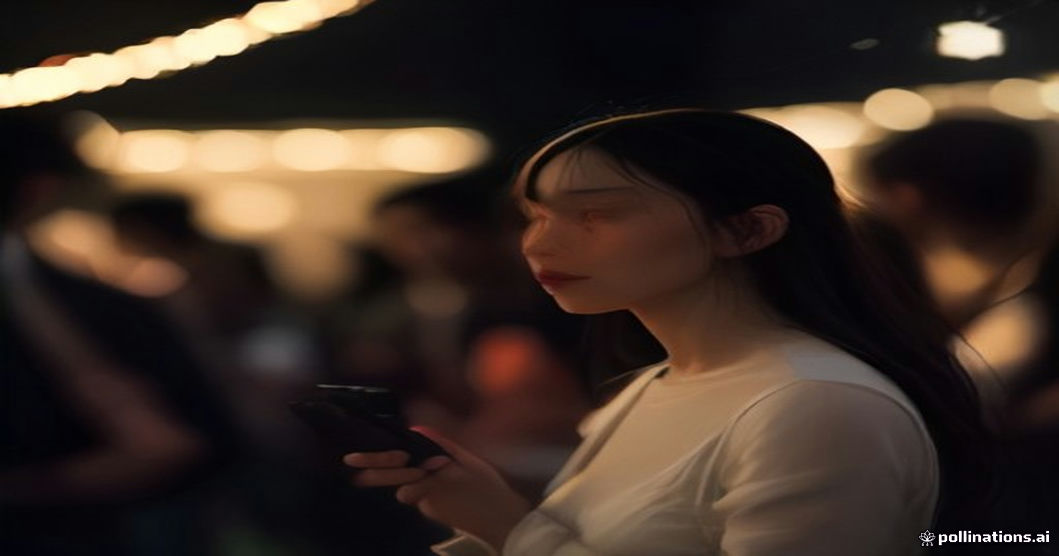
Learn how phone night mode works, when it improves your low light photos, and critical situations where you should turn it off for better results.
The Challenge of Low Light Photography
Phone cameras have small sensors. They need a good amount of light to create a clear photo. When light is scarce, photos can appear dark, blurry, or grainy.
Modern phones use software to help in these situations. Night mode is the main tool for capturing more light. But it is not always the best choice for every low light scene.
How Night Mode Works
Night mode takes several photos in quick succession. It takes one normal exposure. It takes several underexposed photos, capturing detail in bright areas. It takes several overexposed photos, capturing detail in dark areas.
The phone's software then combines these images. It merges the best parts from each photo. This process creates one brighter image with more detail in both shadows and highlights. It also works to reduce digital noise or grain.
Using Night Mode on Your Phone
When your phone detects low light, your camera app may automatically suggest night mode. A moon or star icon usually appears on screen. Tap this icon to turn night mode on or off.
Once activated, you will see a countdown. This might be 1 second, 3 seconds, or longer, depending on the available light. Hold your phone very still for the entire duration of this countdown. The longer the countdown, the more light the phone is trying to gather.
When Night Mode Is Your Friend
Night mode is best for still scenes. A landscape at dusk or a group of people standing perfectly still will benefit. It will brighten the overall scene and reveal more background detail.
It improves photos of static subjects under dim, even lighting. Think of a restaurant interior or a dimly lit room with no movement. It creates a clearer, brighter photo than a standard shot would.
When to Skip Night Mode
Do not use night mode for moving subjects. People walking, dancing, or waving will appear blurry. The multiple exposures will capture their motion over time. This creates ghosting or smeared effects.
Avoid night mode when you want to keep the mood of the light. Candles, stage lights, or string lights can look flat. Night mode tries to brighten everything. This can remove the contrast and drama of the original scene.
If you need a quick shot, skip night mode. You must hold the phone still for several seconds. If you only have a moment to capture something, a standard photo is better than a blurry night mode photo.
Alternatives to Night Mode
Use your phone's flash sparingly. It can brighten a close subject. It works best as a fill light for faces. But it can make backgrounds too dark and create harsh shadows.
Move closer to a light source. Stand near a lamp, a window, or even a bright screen. This adds natural light to your subject. It often creates a more pleasing result than artificial flash.
If your phone has manual camera controls, try adjusting ISO. A lower ISO means less grain but needs more light. A higher ISO makes the sensor more sensitive but adds grain. Adjusting shutter speed also helps capture more light but increases blur with movement.
General Tips for Better Low Light Photos
Clean your phone camera lens. Fingerprints and dust scatter light. This makes photos look hazy and soft. Use a soft, lint-free cloth to wipe the lens before you shoot.
Tap on your screen to focus. This tells your camera what part of the scene is most important. It helps the camera set the correct exposure for that specific area.
Hold your phone steady. Use two hands. Brace your elbows against your body for extra stability. For completely still shots, a small portable tripod can make a big difference.
Questions
Is night mode always better for low light photos?
No, night mode is not always better. It excels with still subjects and general dim lighting. But it struggles with movement and can remove the natural mood of a scene.
How long do I need to hold my phone still for night mode?
The hold time varies. It can be from 1 to 10 seconds, depending on how dark the scene is. Your phone will usually show a countdown on the screen, indicating how long you need to hold still.
Can I use night mode to photograph people dancing?
No, night mode is not suitable for moving subjects like dancers. It takes multiple photos over time. This will result in motion blur and ghosting effects rather than a clear image.
What is the main drawback of using night mode?
The main drawback is motion blur for moving subjects. It can also over-brighten scenes, losing the natural contrast and mood of specific light sources like candles or stage lights. This can flatten the photo.
Does using the flash help in low light if I don't want to use night mode?
The flash can help. It adds light to close subjects and can be useful as a fill light for faces. But it often creates harsh shadows and can make the background very dark, so use it carefully.
Snap Eighteen is a shared camera for your event. Guests scan a code, everyone’s photos land in one album, and the album closes when the event ends.
See how it works